How to Write
Step 1 – Download in PDF, Microsoft Word, or Open Document Text.
Step 2 – The name of the entity/organization must be entered in the first blank field near the top of the consent form.

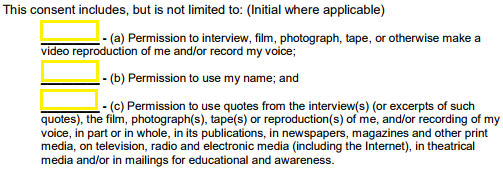
Step 3 – The person giving their consent must initial next to each applicable permission statement, as shown in the image below.
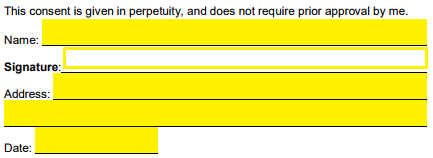
Step 4 – Lastly, the individual must print their name, sign the form, enter their address, and include the current date.
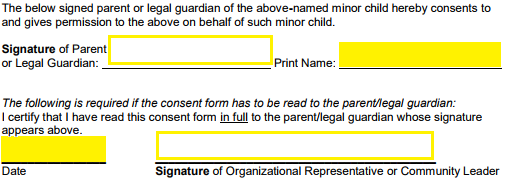
Step 5 – If the individual is a minor, their parent or legal guardian must sign and print their name. If the form had to be read to the parent or guardian, the signature (and date) of the representative of the organization must be included at the bottom of the form.